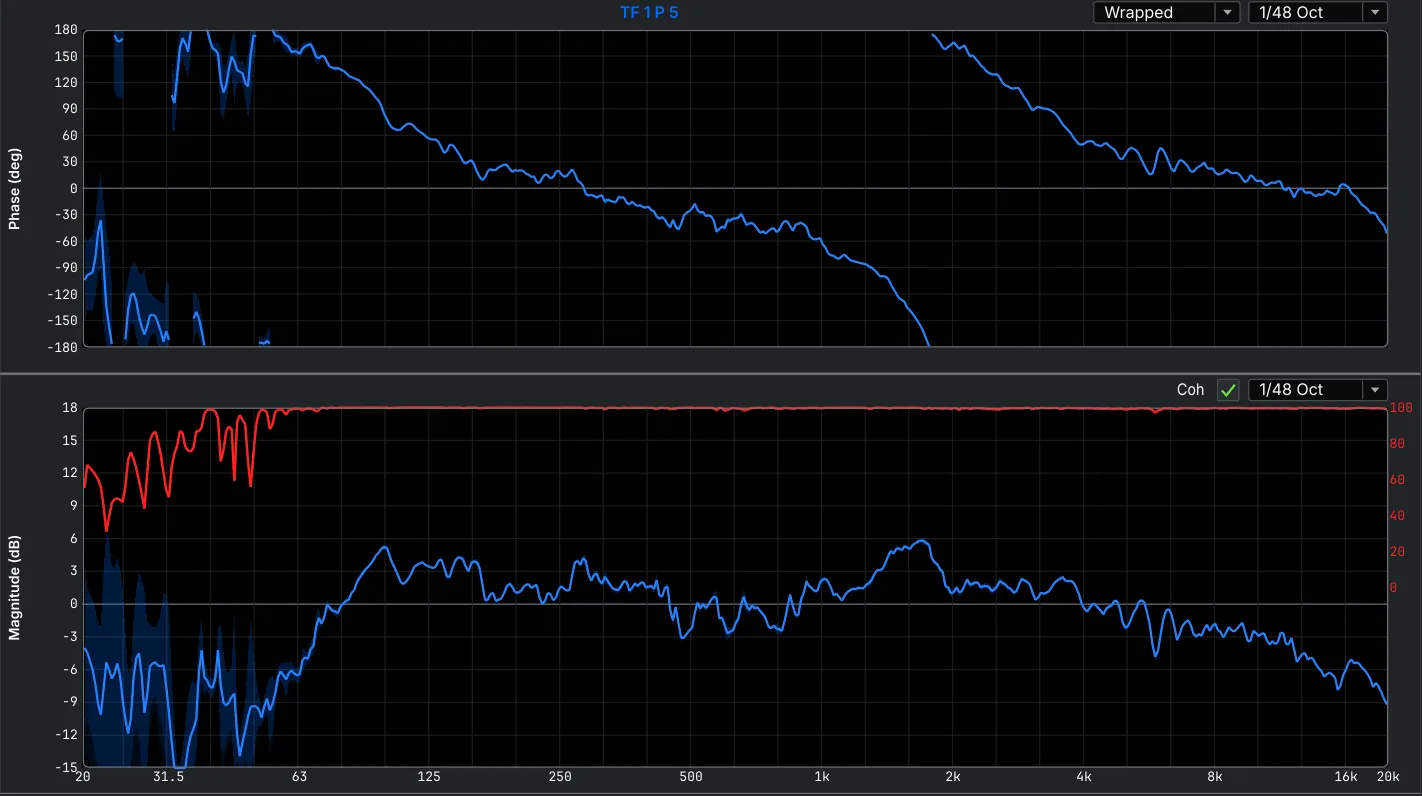
Dual-channel transfer function MTW++
Phase, magnitude and coherence against the reference, live, from the sub range to the top.
PA Trace is a dual-channel FFT audio analyzer for live sound on Windows and Mac. Auto Phase and Auto EQ work out the delay, polarity and filters, so a new venue is tuned before line check.
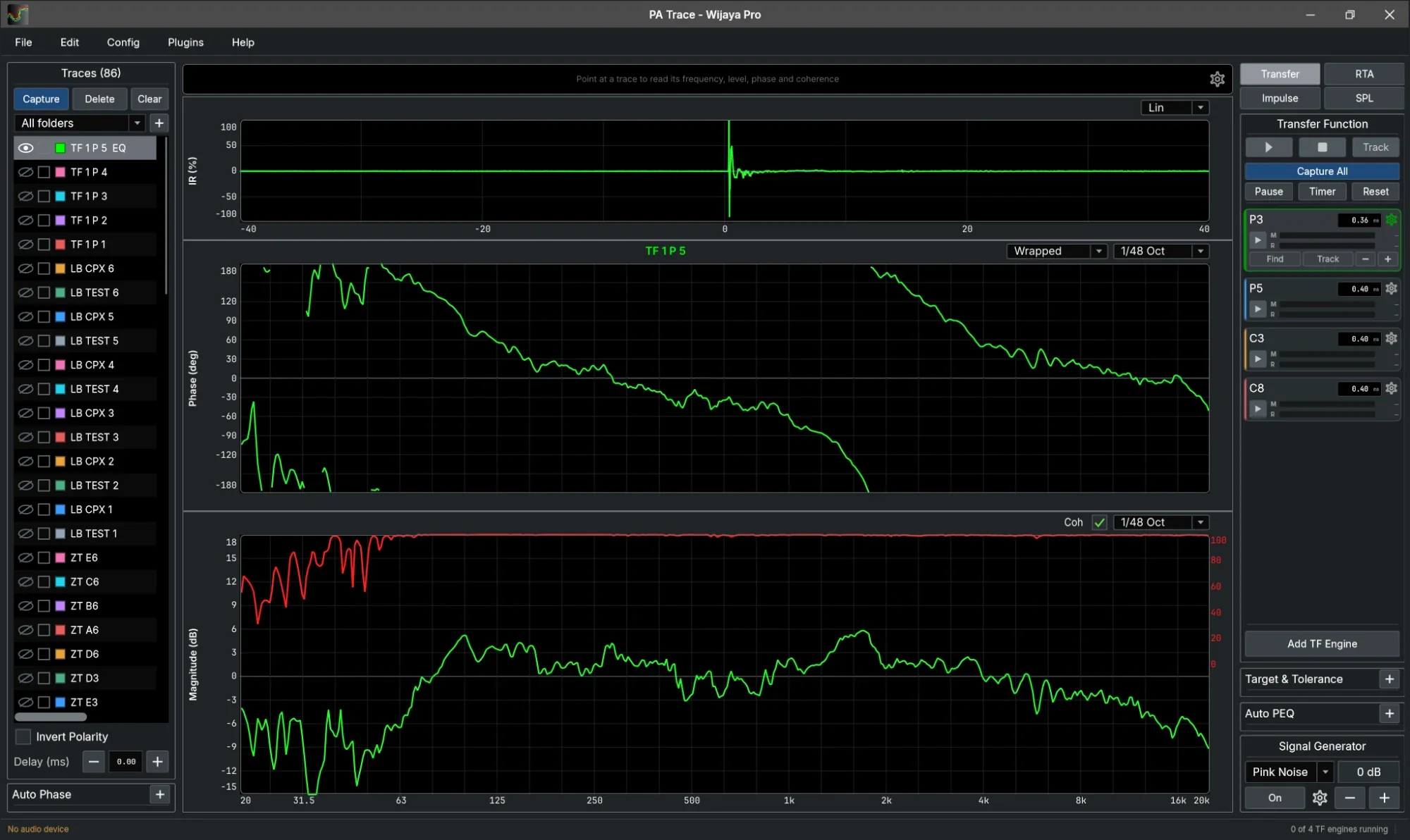
tuned with it by the sound rental company that builds it
rms magnitude error against a known filter, in our loop-back test
and Auto Phase gives the sub-to-top delay and polarity
paid once, for Windows or Mac. No subscription
An audio analyzer with every mode you use at a soundcheck, in one window and on your phone. Each picture is PA Trace itself.
Phase, magnitude and coherence against the reference, live, from the sub range to the top.
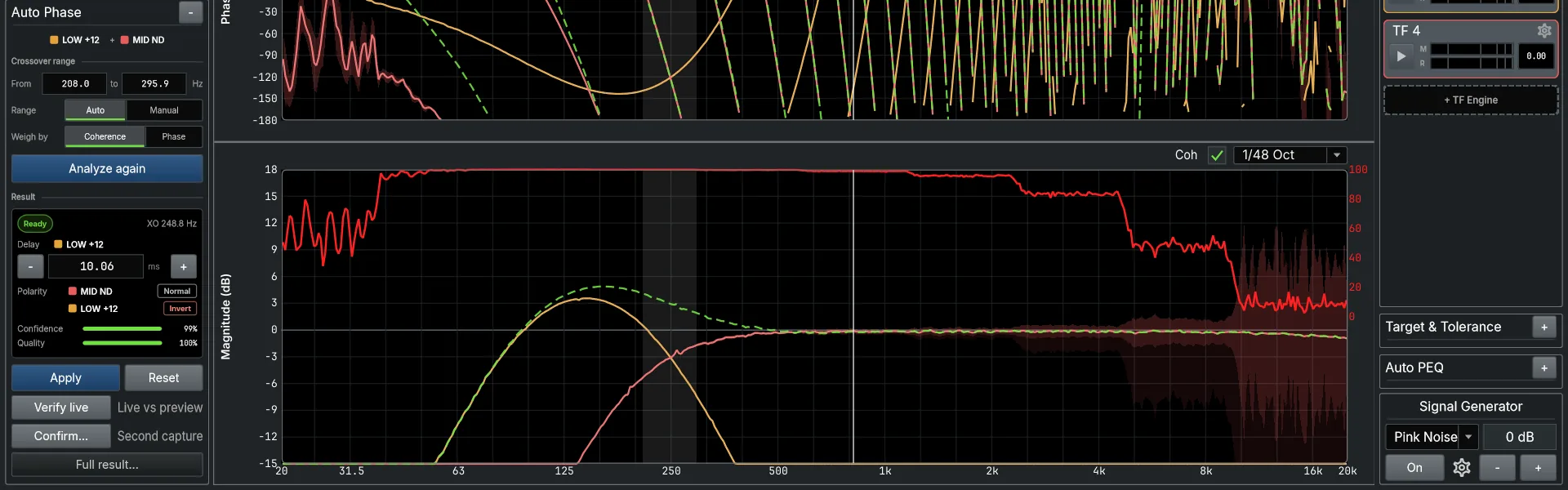
The delay and polarity that make subs and tops add up at the crossover, then Verify checks it live.
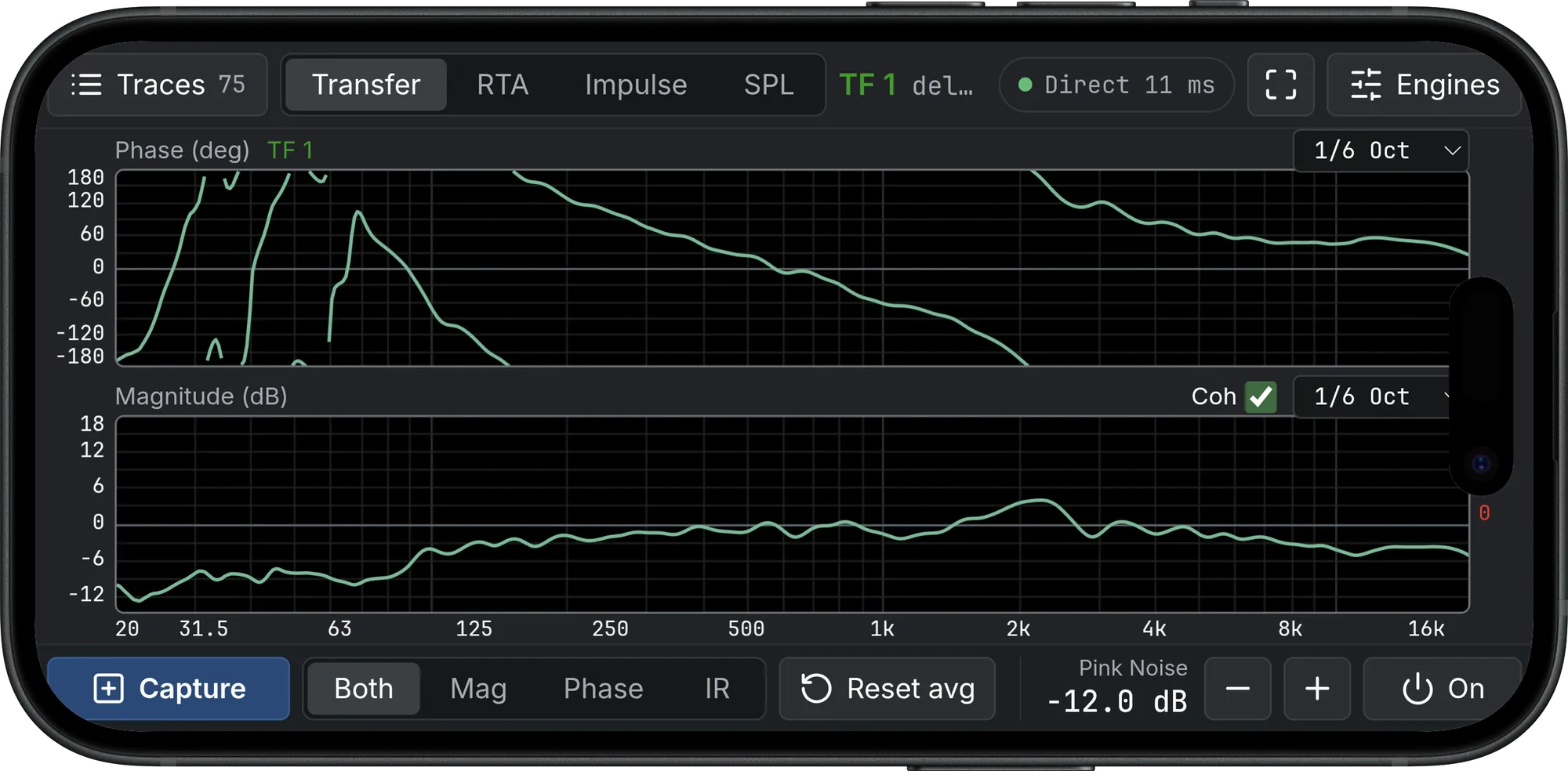
Carry the mic into the audience area and run engines, captures and the generator from the phone.
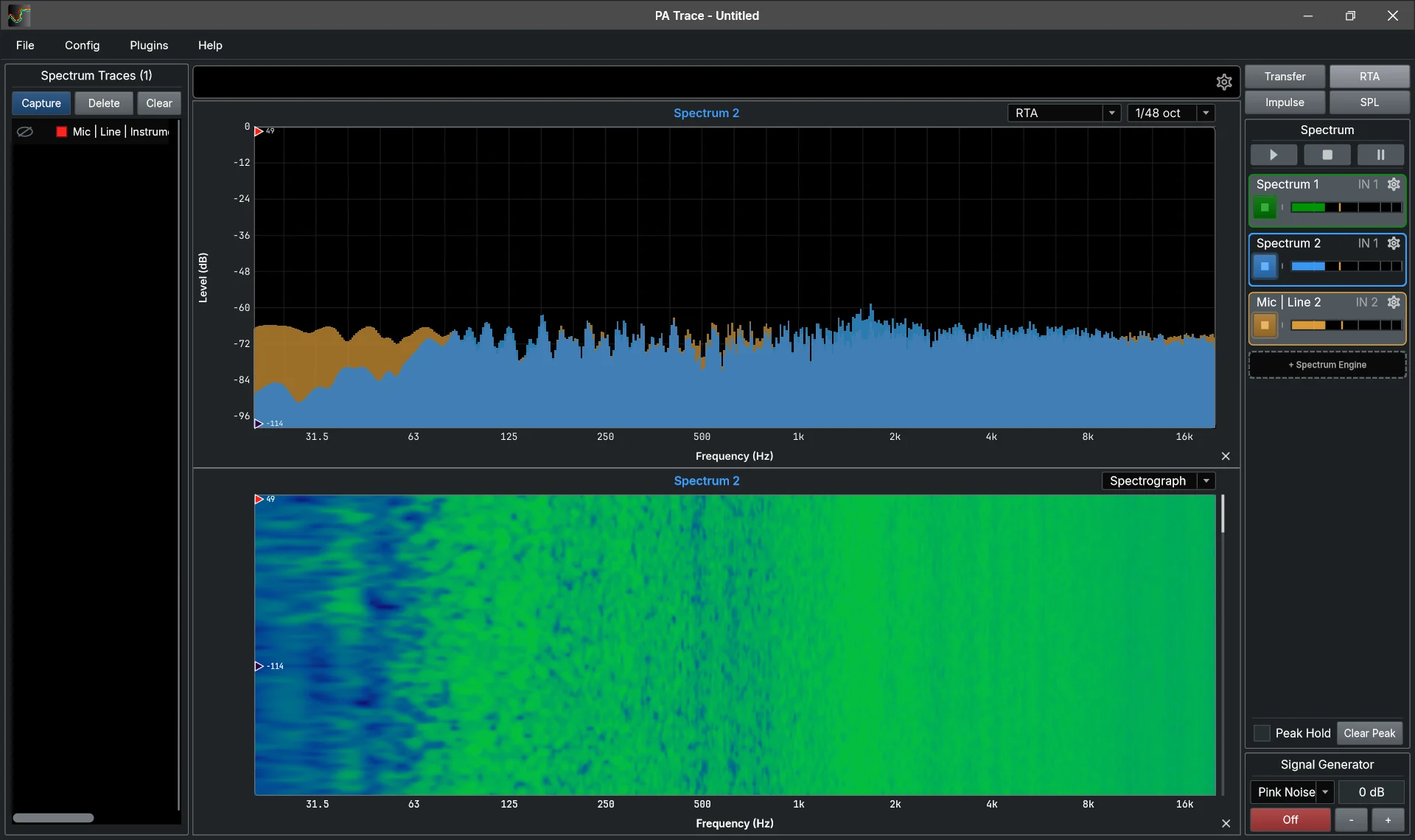
Several inputs at once with averaging, over a spectrograph of the room and the programme.
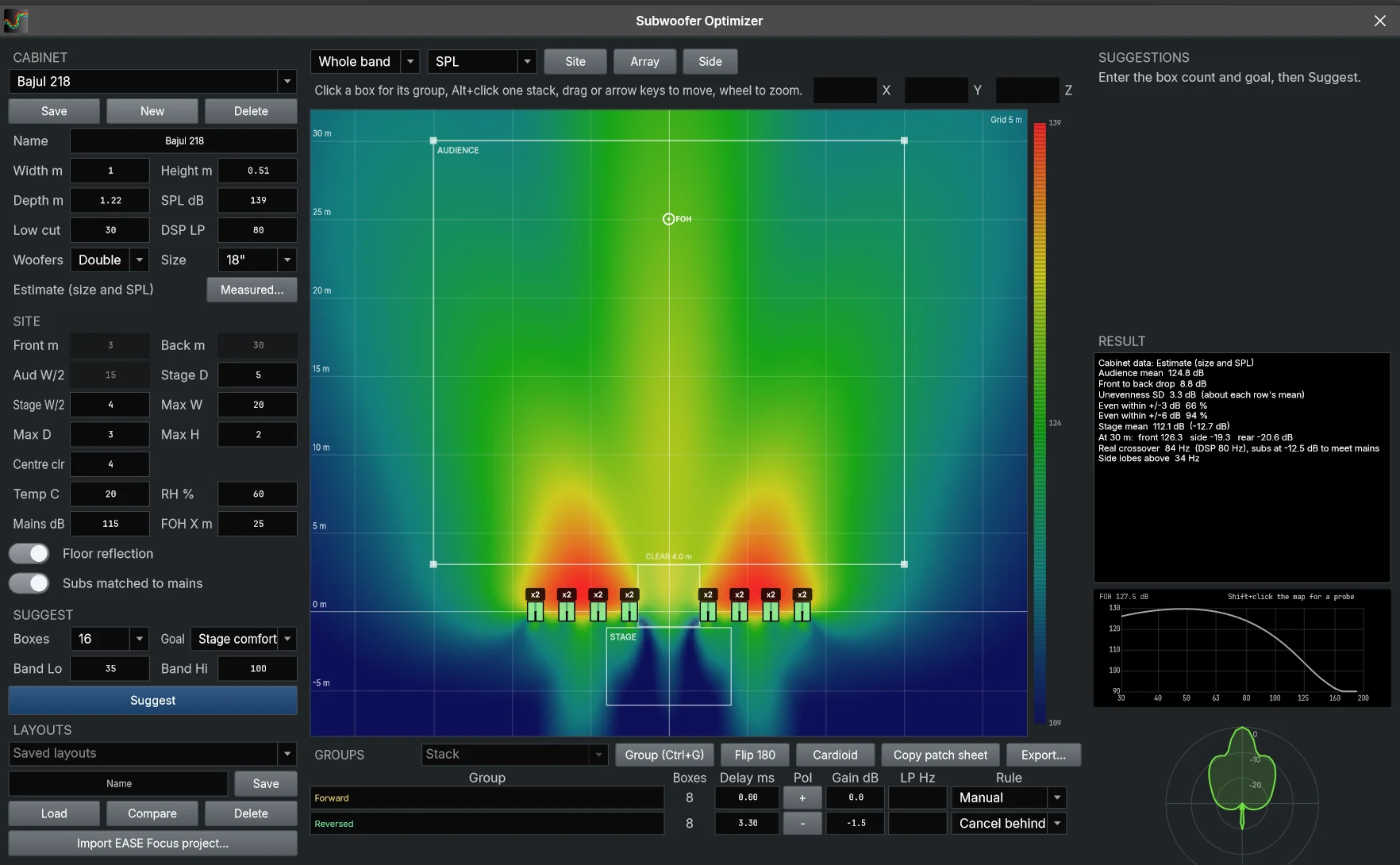
Ranked sub array layouts with delay and polarity per group, mapped over the audience.
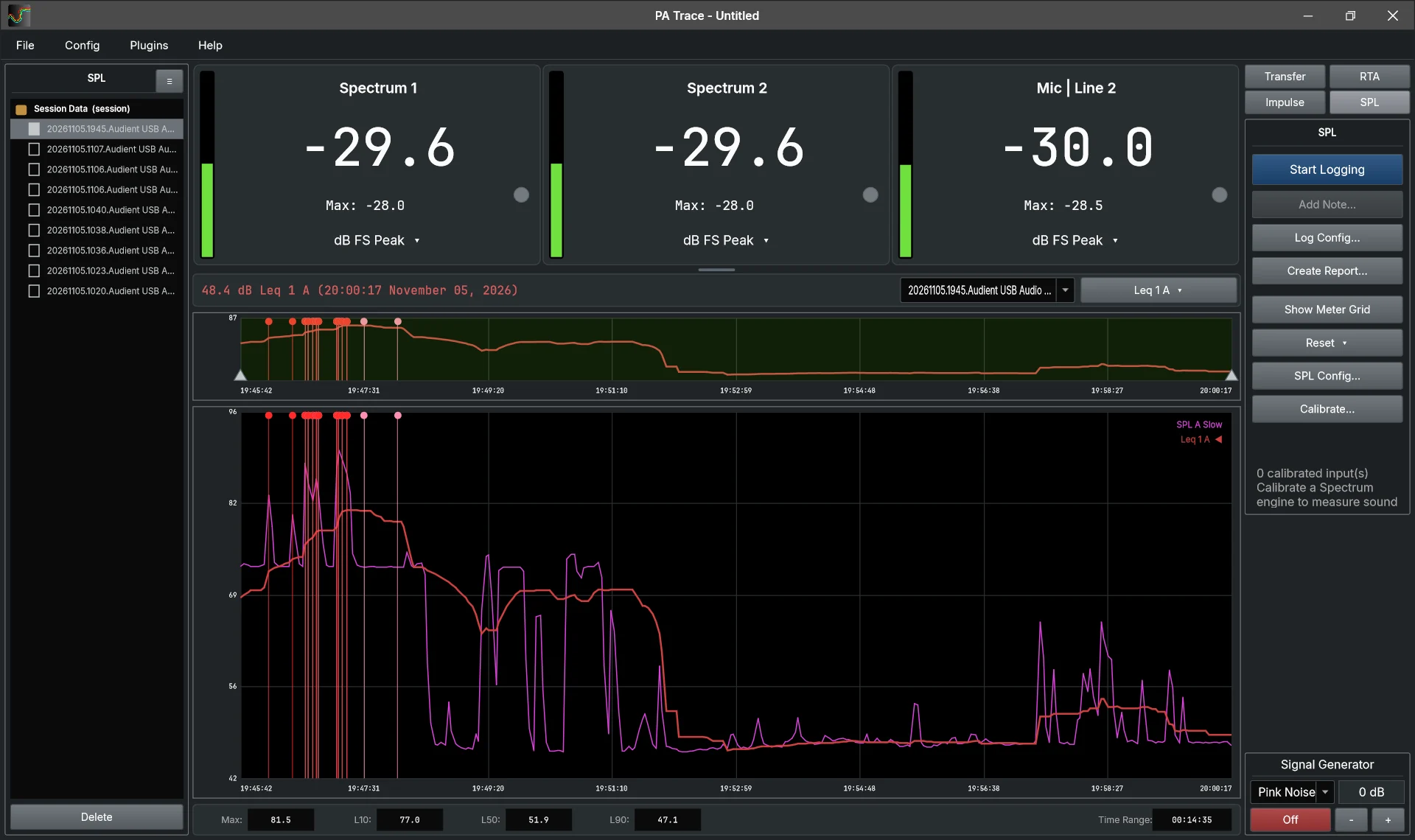
Calibrated SPL, Leq over sliding windows, alarms and a report of the whole show.
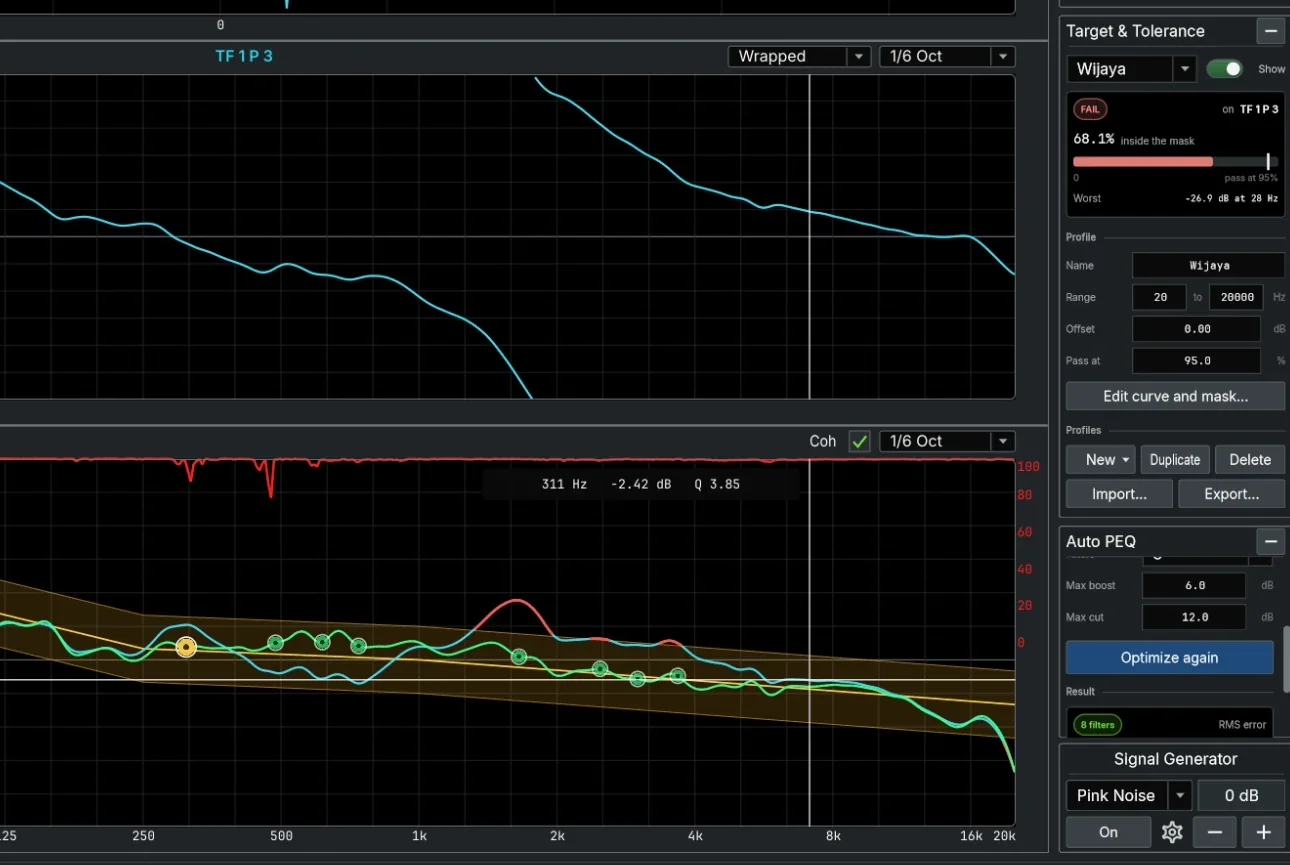
Pick a target trace with a tolerance, and Auto PEQ proposes the filters to type into the processor.
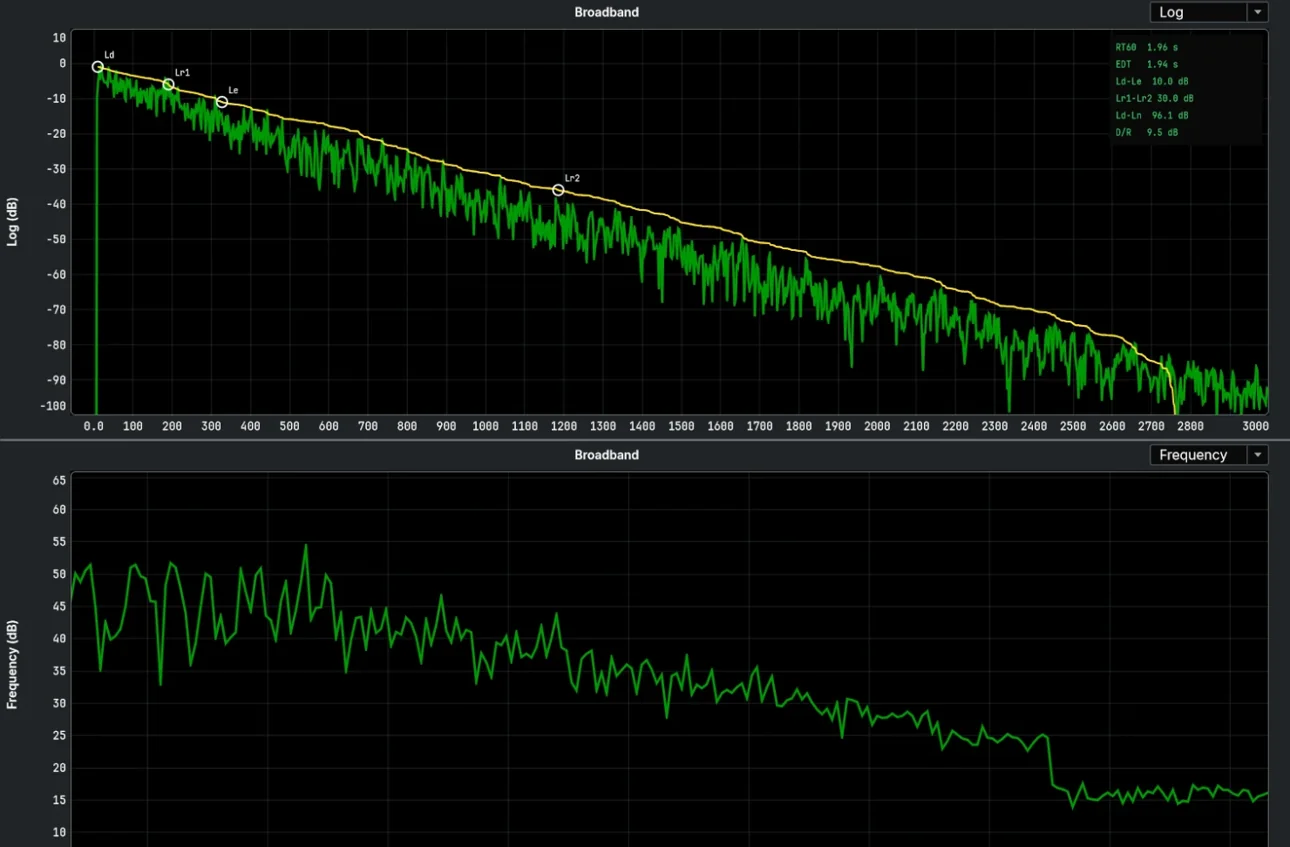
Room acoustics per octave and third octave, from a balloon, a clap or any .wav.
The setup, the delays and polarities, the filters and every trace with how it was measured.
We fed PA Trace and Smaart the same signal through the same audio interface and compared both with the exact response of a known filter.
Smaart Suite 9.1.6 and PA Trace 2.1, Audient EVO4 loop-back at 48 kHz, 10 November 2026. For the errors, lower is better; for the notch, closer to −12.8 dB is better.
See the full comparison“Insane. PA Trace is affordable software, but the features are killer.”
“The remote feature is really cool. You can control it from anywhere, you don't have to be at the venue.”
Translated from Indonesian.
Pay once. The same code activates PA Trace on a Windows laptop or a Mac, two computers at a time.
US$149one-time payment
Secure checkout by Paddle. Rather pay by bank transfer? Email us.
Something else? Email support@patrace.app and the developer answers.
A Windows 10 or 11 laptop (64-bit) or a Mac with macOS 11 or later, an audio interface with at least two inputs, and a measurement microphone. One input takes the mic, the other the reference signal from the console. On Windows an ASIO driver is best and WASAPI also works; on a Mac the interface works through Core Audio.
Yes. PA Trace runs on macOS 11 or later, on Apple silicon and Intel Macs, with every mode the Windows version has. The same license code activates either.
Yes. Import the mic's correction curve (.txt, .csv, .frd, .cal or .mic) per input, and it applies to the spectrum and the transfer magnitude. SPL is calibrated per input against a calibrator.
Only to activate, and then once every 60 days so the license can be checked. It does that by itself whenever the laptop is online. Measuring works offline.
Then you keep what you paid for. Before the license server is ever shut down, we will release a final update that runs without the license check. This promise is part of our terms.
Two at the same time per license. To move to a new computer, deactivate the old one in the app and activate the new one.
There is no trial version: you get the full program from the start, with a 14-day money-back guarantee (see the refund policy).
I'm Zarkasi. I run a sound rental company in Indonesia, and almost every gig is a new venue with less than 30 minutes to tune before line check. I built PA Trace for that: first to fix subs that sounded behind the band, then for everything else I reach for at FOH.
I've tuned more than 33 shows with it so far, and tested it side by side against Smaart (see the test).
Questions go straight to me: support@patrace.app

Use PA Trace on your next job. If it is not right for you, ask within 14 days and you get the full amount back.
Buy a license, US$149